Free Claude Code in Action
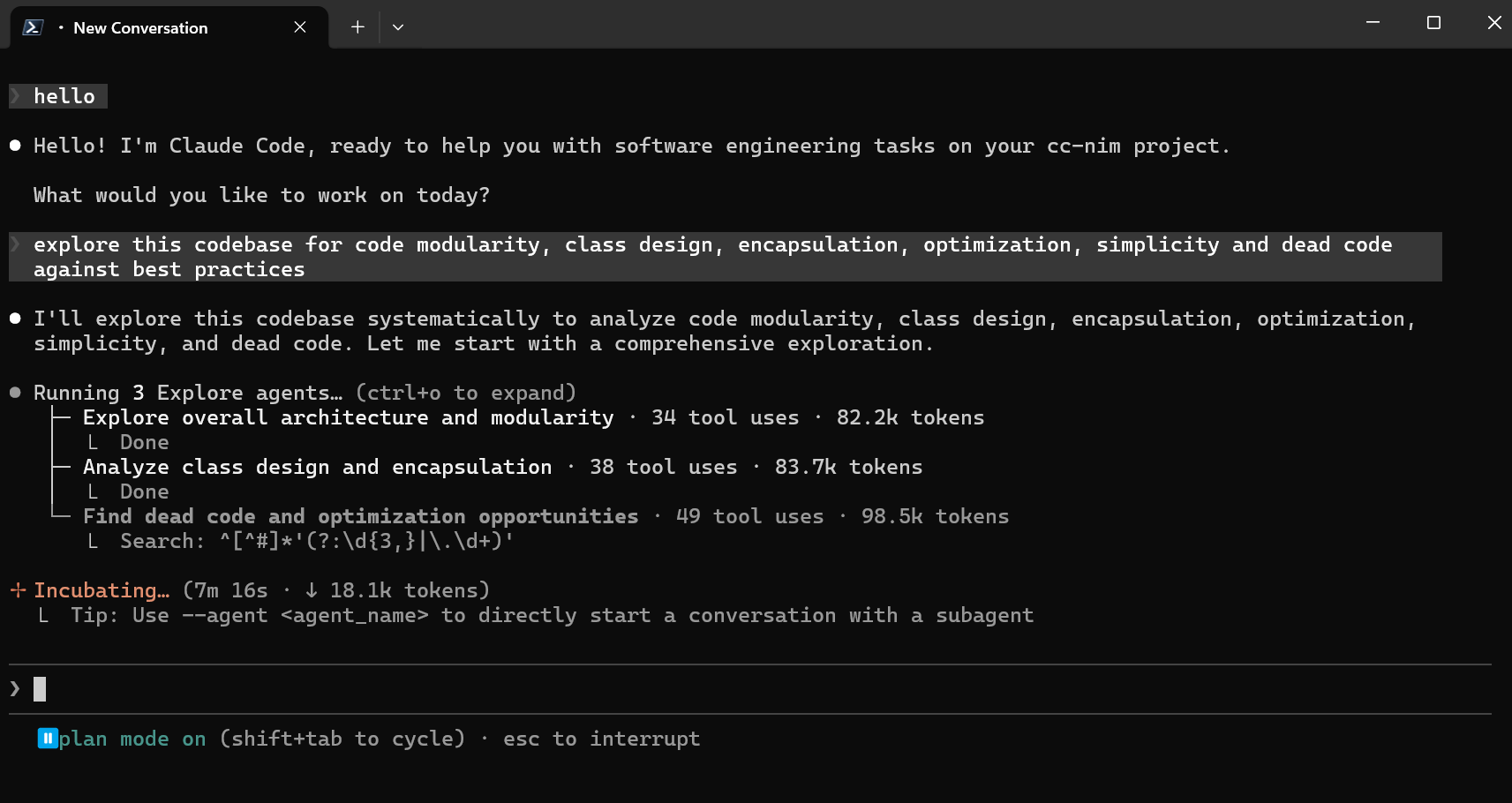
Use Claude Code CLI, VS Code, JetBrains ACP, or chat bots through your own Anthropic-compatible proxy
Seamlessly proxy Claude Code's Anthropic API calls to any provider while maintaining protocol stability
Choose from 11 provider backends including NVIDIA NIM, Kimi, Wafer, OpenRouter, DeepSeek, LM Studio, llama.cpp, Ollama, OpenCode Zen, OpenCode Go, and Z.ai
Route Opus, Sonnet, Haiku, and fallback traffic to different providers for optimal performance
Full support for Claude Code's native model picker through the proxy's `/v1/models` endpoint
Streaming, tool use, reasoning/thinking block handling, and local request optimizations
Local Admin UI at `/admin` to edit proxy settings, validate changes, and check providers
High-performance GPU models
Moonshot AI's powerful models
Anthropic-compatible endpoint
Open-source and free models
Advanced reasoning models
Local model hosting
Efficient local inference
Easy local model management
Curated model gateway
Subscription-based models
GLM models with coding focus
Open http://127.0.0.1:8082/admin and set up your provider
